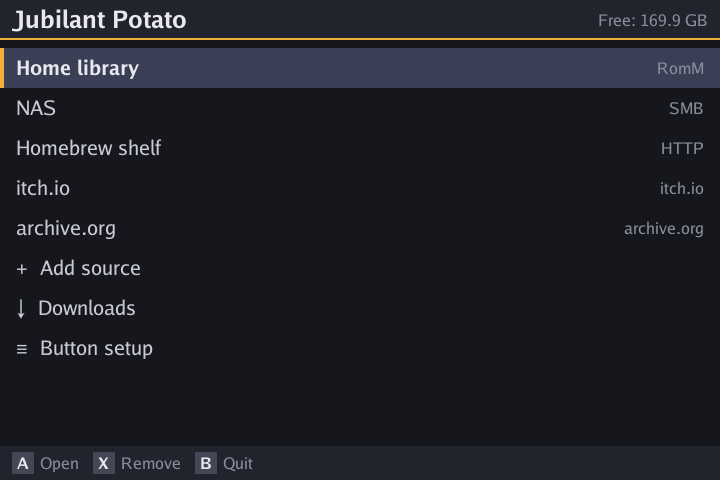
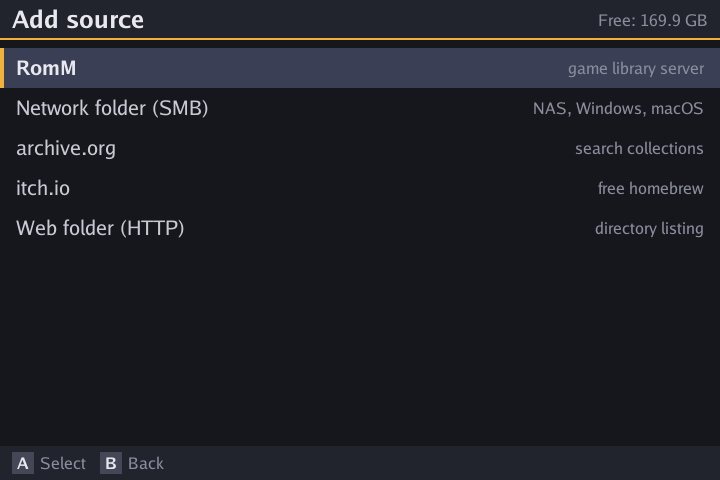
Add them on the device with “Add source”. Servers on your network are found automatically.
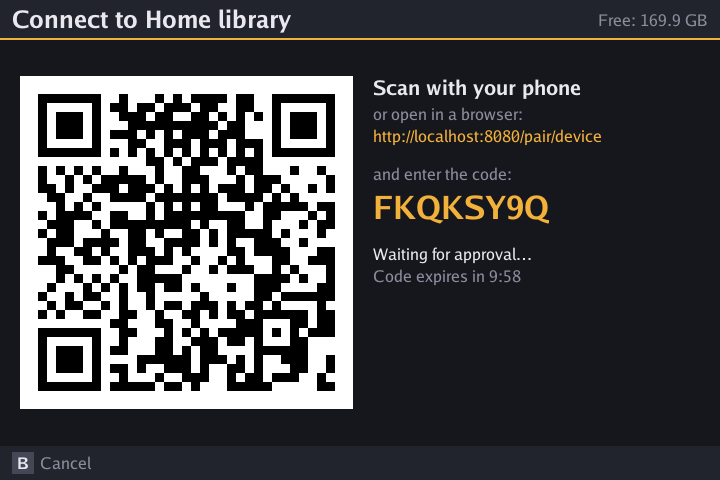
Your self-hosted game library. Found on the network, paired with a QR code, and no password typed on the handheld.
SMB shares on a NAS, Windows or macOS. Browse to the folder that has your system folders.
Any directory listing: nginx, Caddy, Apache, or just python -m http.server.
Search collections by title. The systems inside an item are detected for you.
Free homebrew for Game Boy, GBA, NES, Mega Drive and more, plus the games you own.
Detects muOS, ROCKNIX or stock Linux and saves each game into that firmware's folder for its system: gba, GBA, SFC… It reuses the folders you already have.
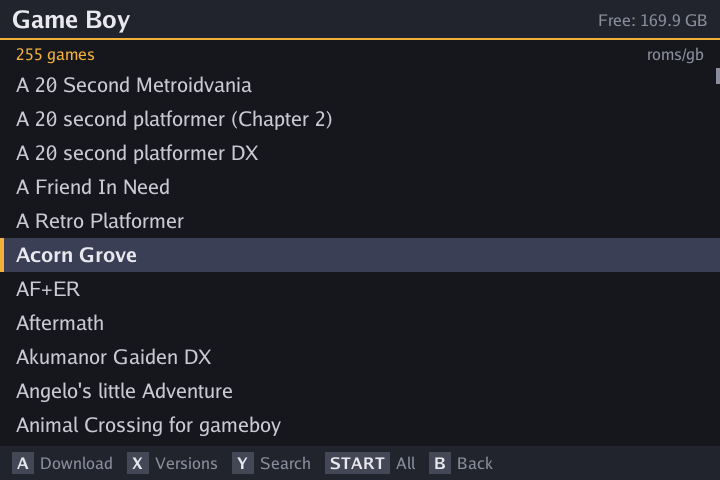
Regional releases, revisions, betas and hacks fold into one entry. A downloads the best version for your language and region; X shows them all.
RomM and itch.io accounts are linked by scanning a code with your phone. You never type a password with a D-pad.
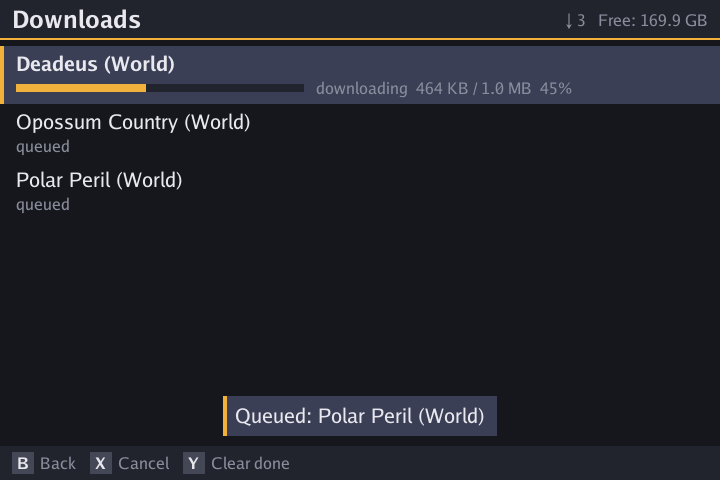
A download queue that resumes where it stopped, checks free space first, and unpacks disc images and DS games automatically.
On dual-screen devices like the RG DS, the bottom screen shows the potato and your download progress.
If buttons feel off, the built-in button setup asks for each one and remembers your pad. It also works on devices SDL has never heard of.
New versions show up right in the app. One button downloads, verifies and installs them. The SD card stays in the device.
GPL-3.0, one small binary, no telemetry in the app. Contributions and device reports are welcome on GitHub.
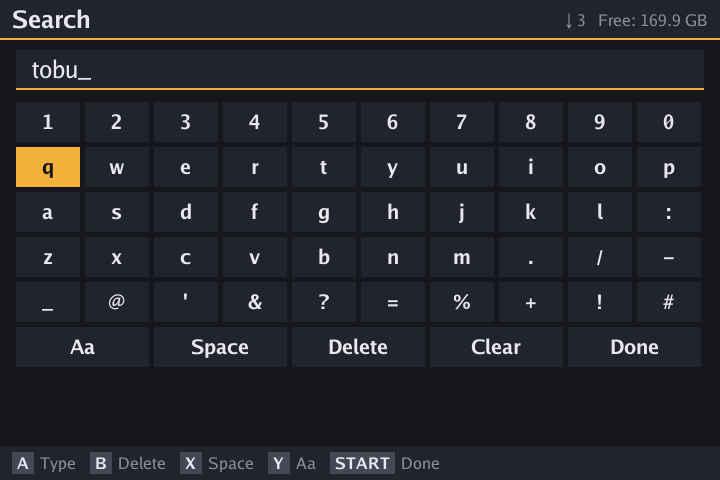
English, Russian, Ukrainian, Belarusian, Polish, Spanish, Portuguese and Chinese. The app follows your firmware's language and has an on-screen keyboard for search and addresses.
Any aarch64 handheld running one of these firmwares should work. The app needs only the firmware's own SDL2.
| Device | Stock Linux | muOS | ROCKNIX |
|---|---|---|---|
| Anbernic RG34XX / RG34XXSPAllwinner H700 | ✓ | ✓ | ✓ tested |
| Anbernic RG DSRK3568, two screens | ✓ tested | not supported by muOS | ✓ |
| Other H700 / RK3566 handhelds | likely | likely | likely |
Download the package for your firmware and copy it to the SD card.
JubilantPotato-muos.muxapp to the ARCHIVE folder on the SD card.JubilantPotato-rocknix.zip into /storage/roms, for example over the games-roms network share.JubilantPotato-stock.zip into Roms/ on either SD card.All versions and release notes are on GitHub Releases. Or build it yourself (Docker builds the ARM binary):
git clone https://github.com/meerhelm/jubilant-potato
cd jubilant-potato
make package # → dist/JubilantPotato-{muos.muxapp,rocknix.zip,stock.zip}Thousands of files with odd names and a dozen versions of each game? The repo includes a helper that turns them into a clean RomM library.

Jubilant Potato is free and open source. A coffee pays for test devices and support for more handhelds. Thank you!